Reliability Friday 11: Terraform Drift, and Why "No changes" Is Not Proof
"No changes" does not prove your infrastructure is correct. Why Terraform drift stays invisible, how three commands expose it, and what each outcome means.
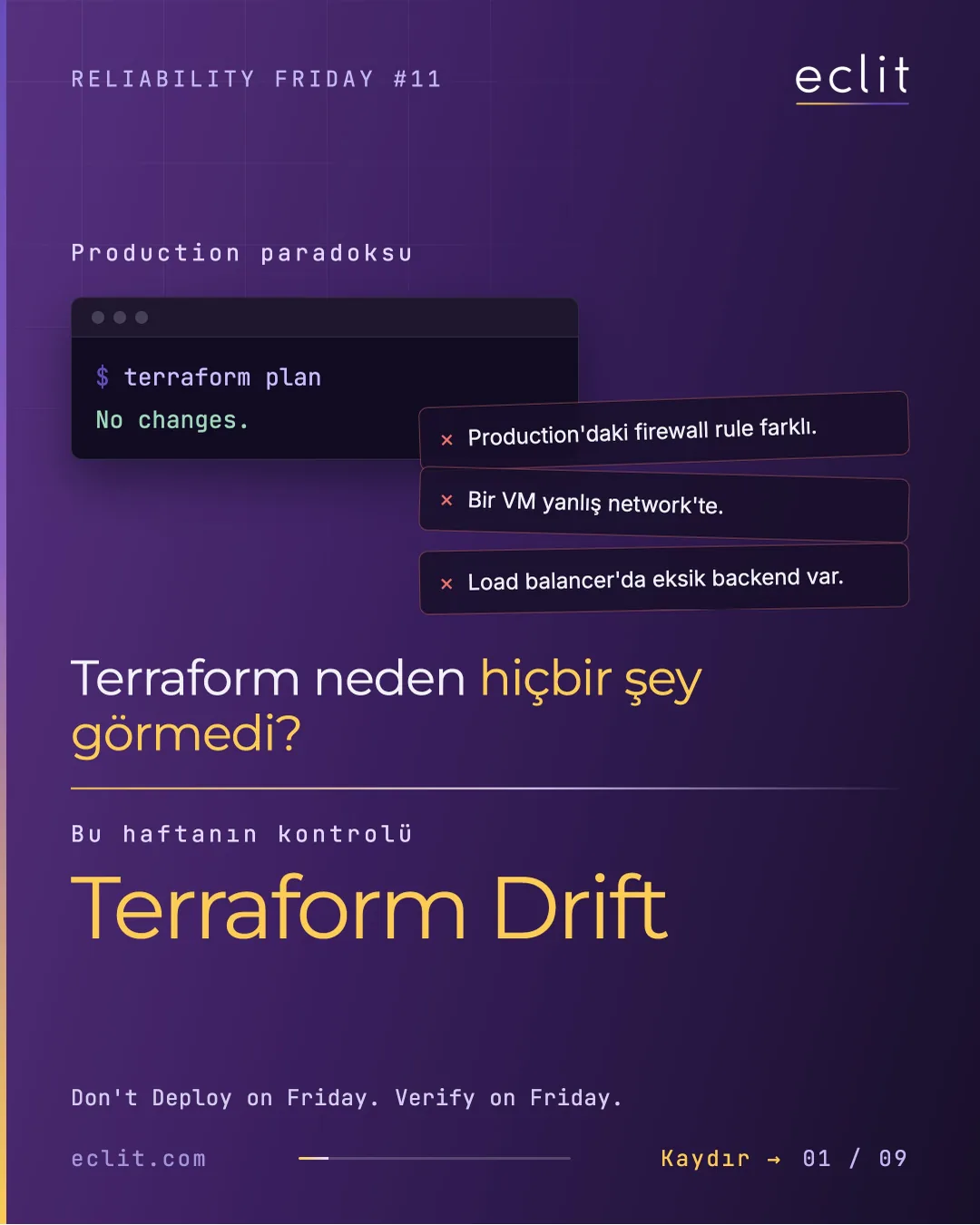
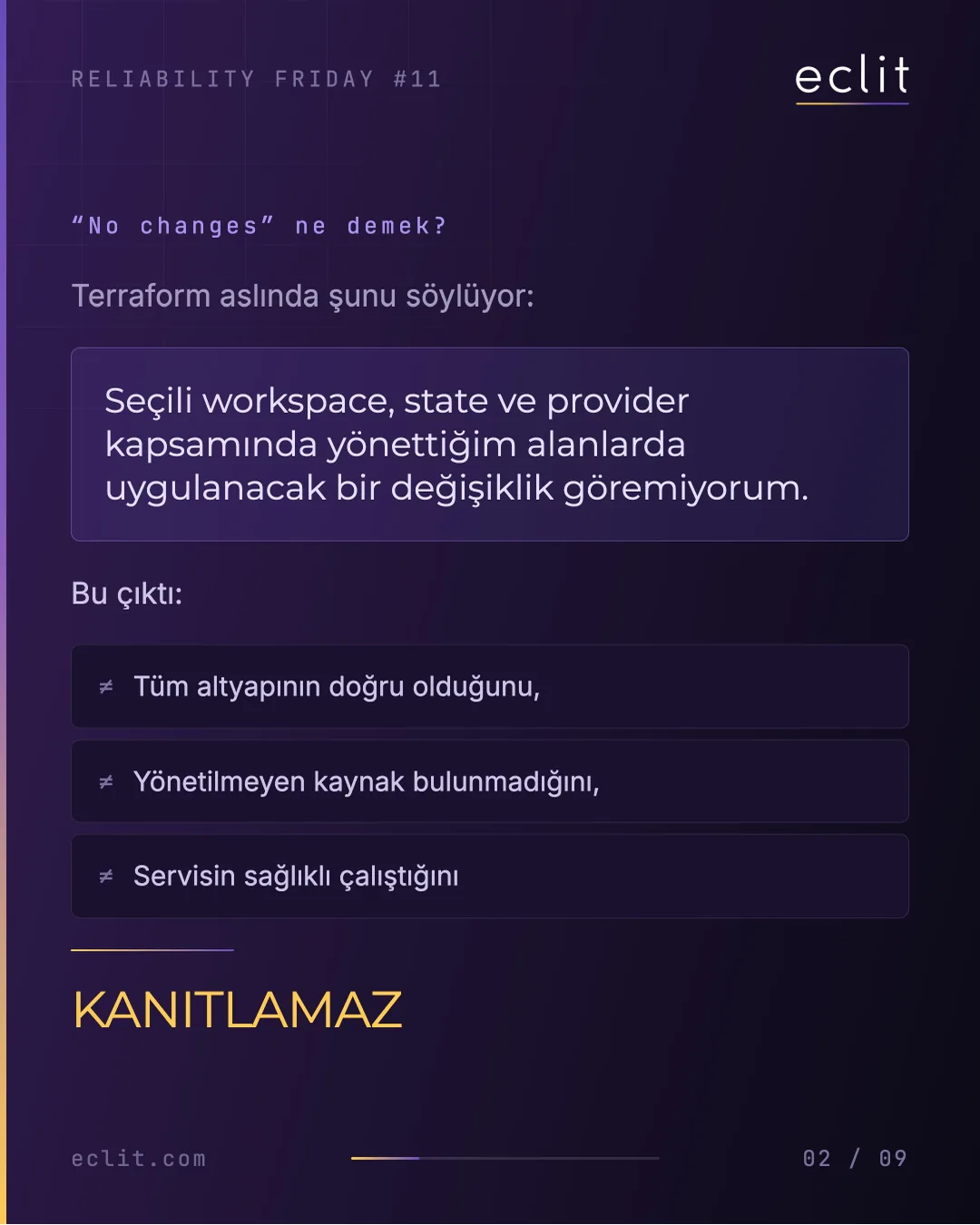
Short answer: When terraform plan says "No changes.", Terraform is only telling you this: within the selected workspace, state and provider scope, it sees nothing to apply in the areas it manages. That output does not prove the whole infrastructure is correct, that no unmanaged resources exist, or that the service is healthy. A firewall rule in production can differ, a VM can sit on the wrong network, a load balancer can be missing a backend, and the plan still comes back clean. This week we use three commands to check Terraform's field of view, and what lies outside it.
Don't Deploy on Friday. Verify on Friday.
This week's check
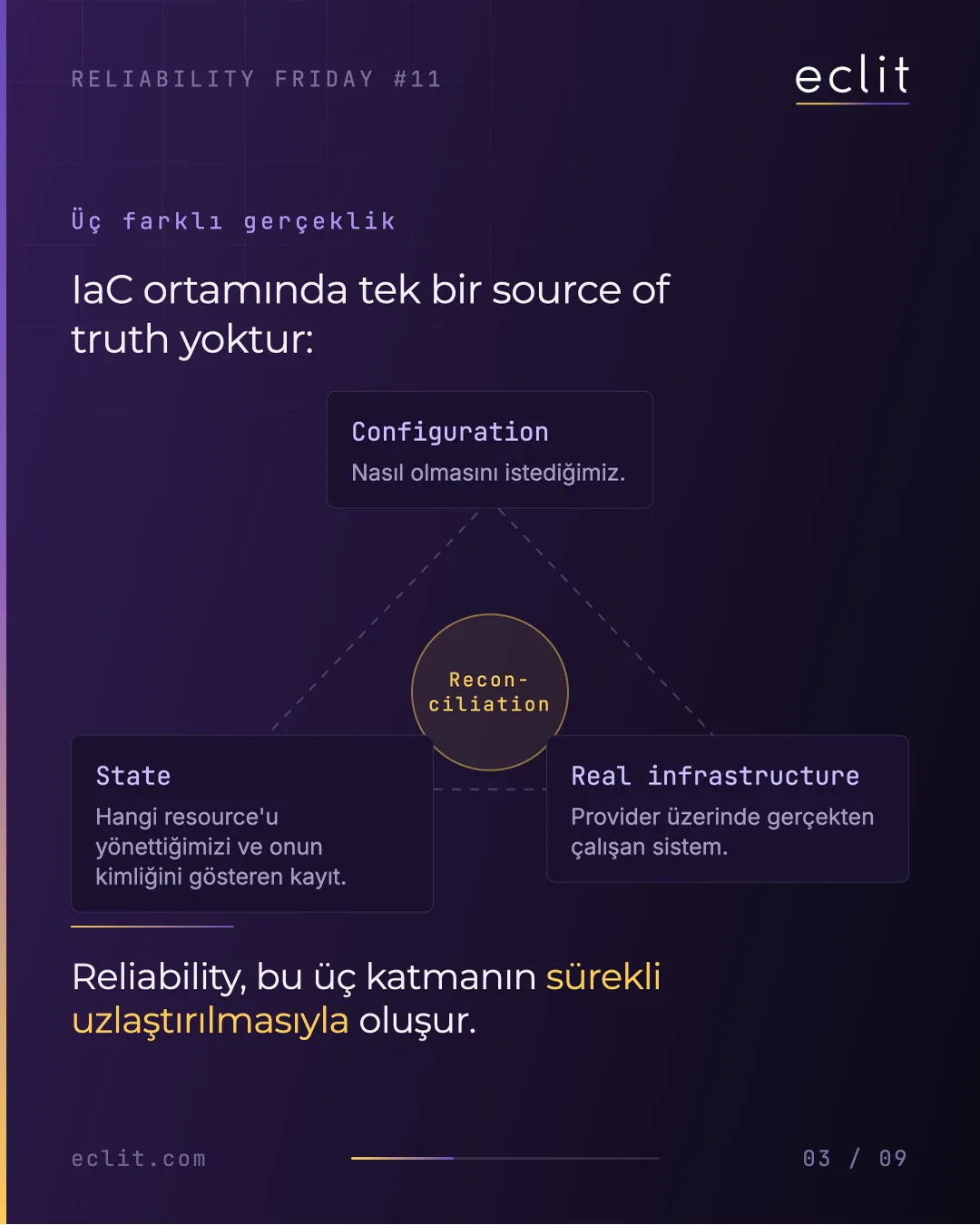
In an IaC environment there is no single source of truth; there are three layers: configuration (what we want), state (the record of which resources we manage and their identities) and real infrastructure (what actually runs on the provider). Reliability comes from reconciling these three continuously. The check works through three questions:
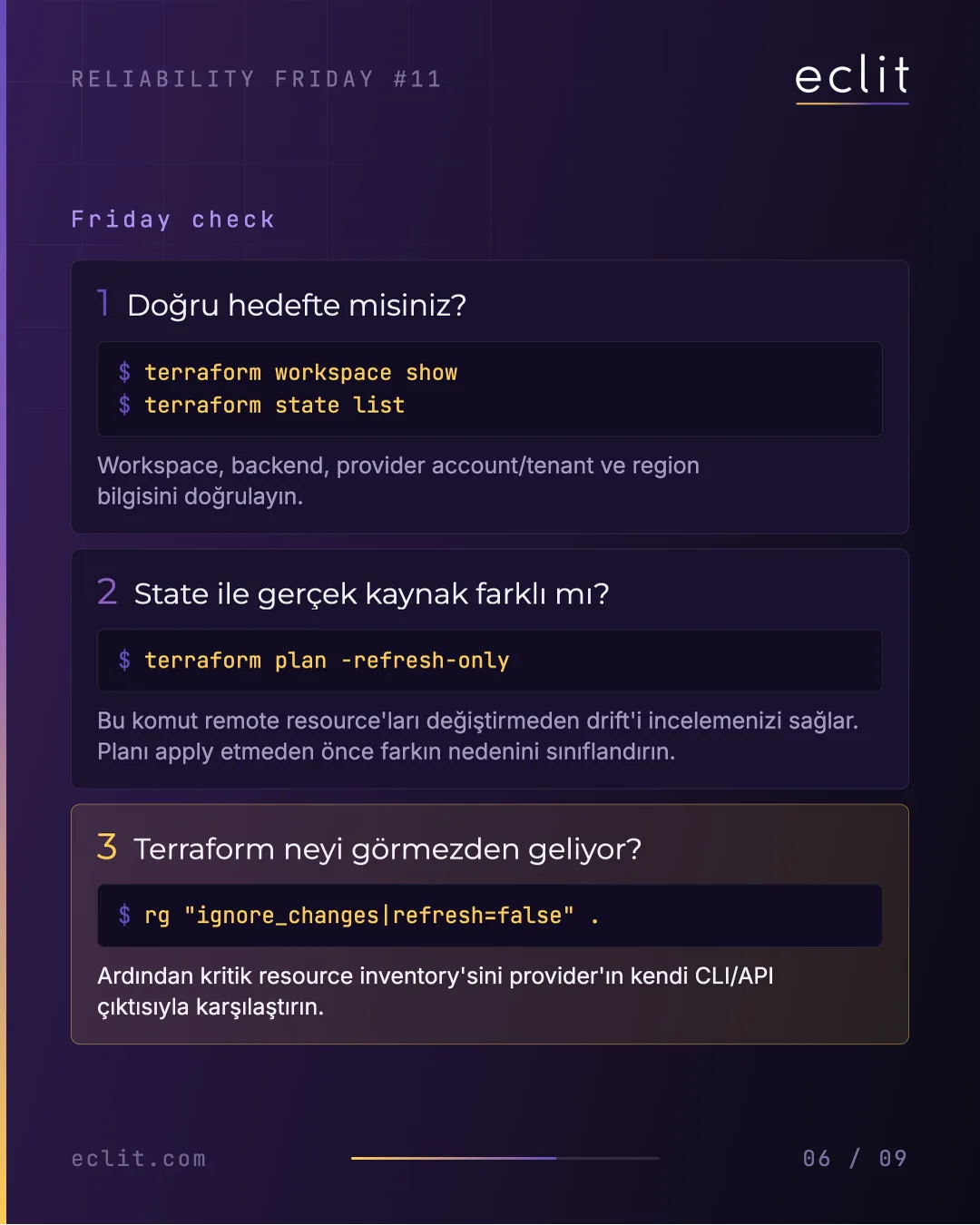
1. Are you pointed at the right target?
   terraform workspace show
   terraform state list
   Verify the workspace, backend, provider account/tenant and region.

2. Does state differ from the real resource?
   terraform plan -refresh-only
   Inspect drift without touching remote resources;
   classify the cause of each difference before applying anything.

3. What is Terraform ignoring?
   rg "ignore_changes|refresh=false" .
   Then compare your critical resource inventory with the
   provider's own CLI/API output.
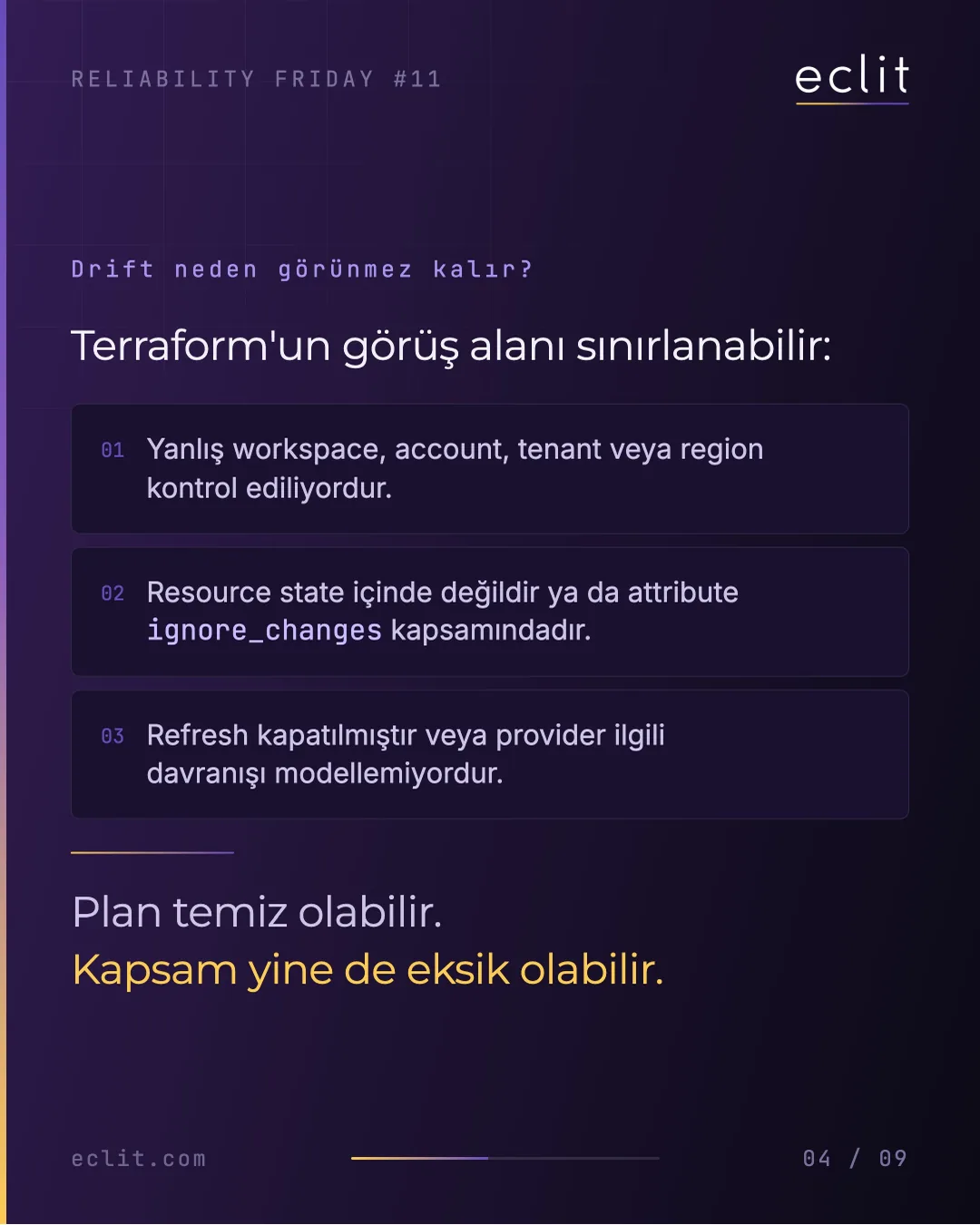
Why does drift stay invisible? Terraform's field of view is limited in three ways: the wrong workspace, account, tenant or region is being checked; the resource is not in state, or the attribute is covered by ignore_changes; refresh is disabled, or the provider does not model that behavior. The plan can be clean while the scope is still incomplete.
Expected output
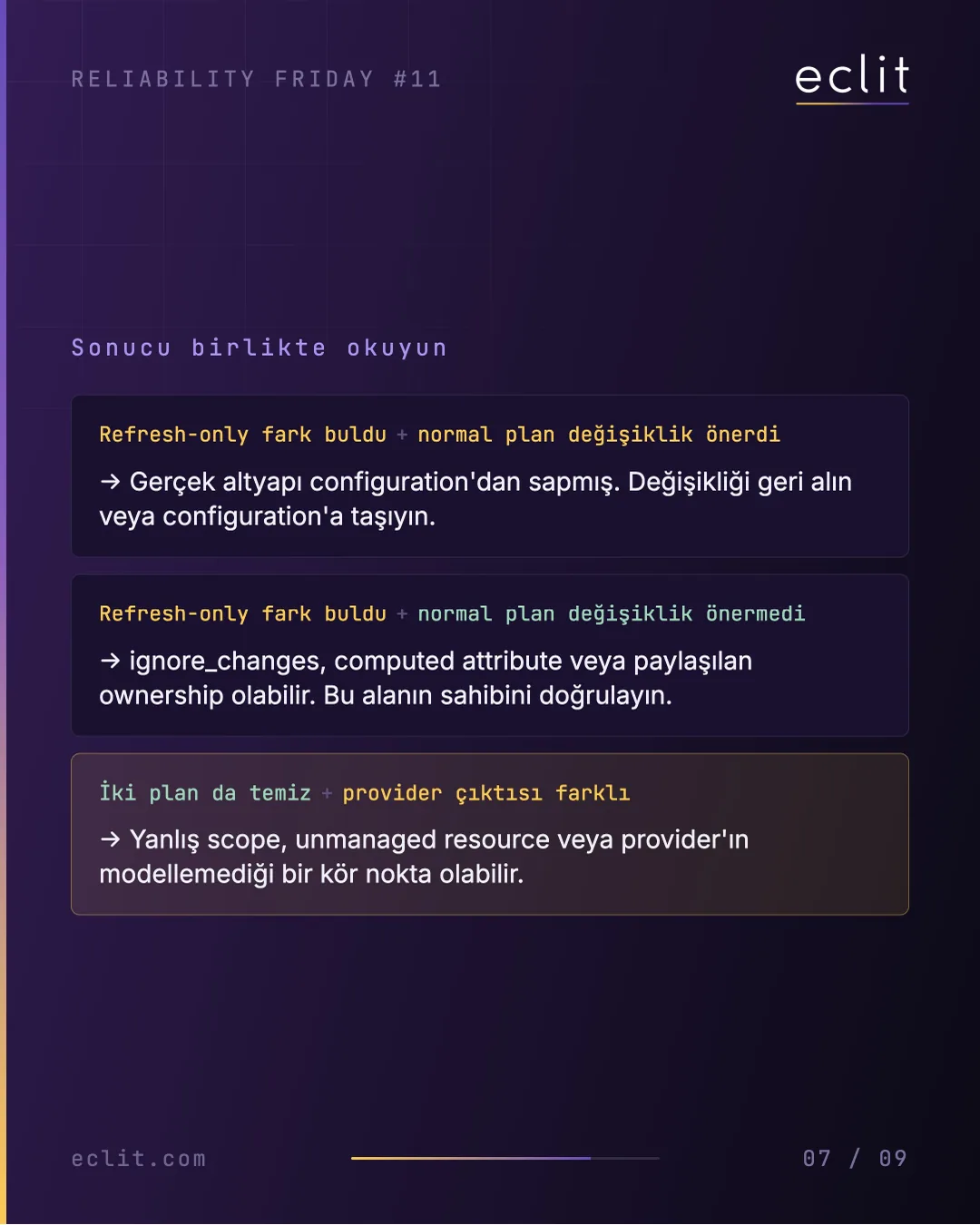
Read the results of the three commands together:
- Refresh-only found a difference and the normal plan proposes a change: real infrastructure has drifted from configuration. Revert the change or move it into configuration.
- Refresh-only found a difference and the normal plan proposes nothing: this may be
ignore_changes, a computed attribute or shared ownership. Confirm who owns that field. - Both plans are clean but the provider output differs: the wrong scope, an unmanaged resource or a blind spot the provider does not model.
A healthy result is not three silent commands; it is every difference having an owner and a classification.
When to act
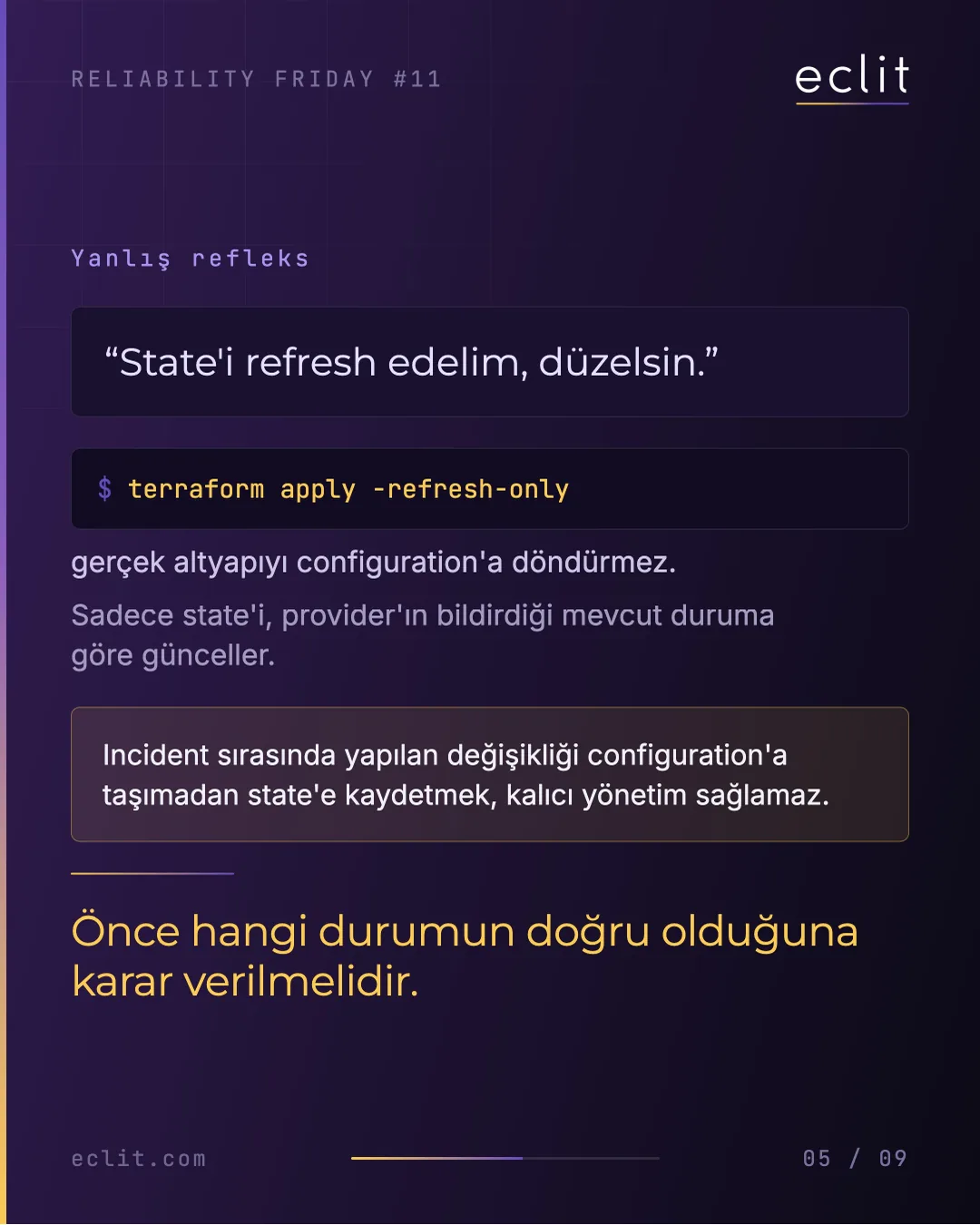
When you find a difference, the first decision is not technical: which state is right, configuration or production? Decide that first. The wrong reflex is "let's refresh the state, that will fix it". terraform apply -refresh-only does not bring real infrastructure back to the configuration; it only updates state to whatever the provider currently reports. Recording a change made during an incident into state without moving it into configuration does not give you lasting control.
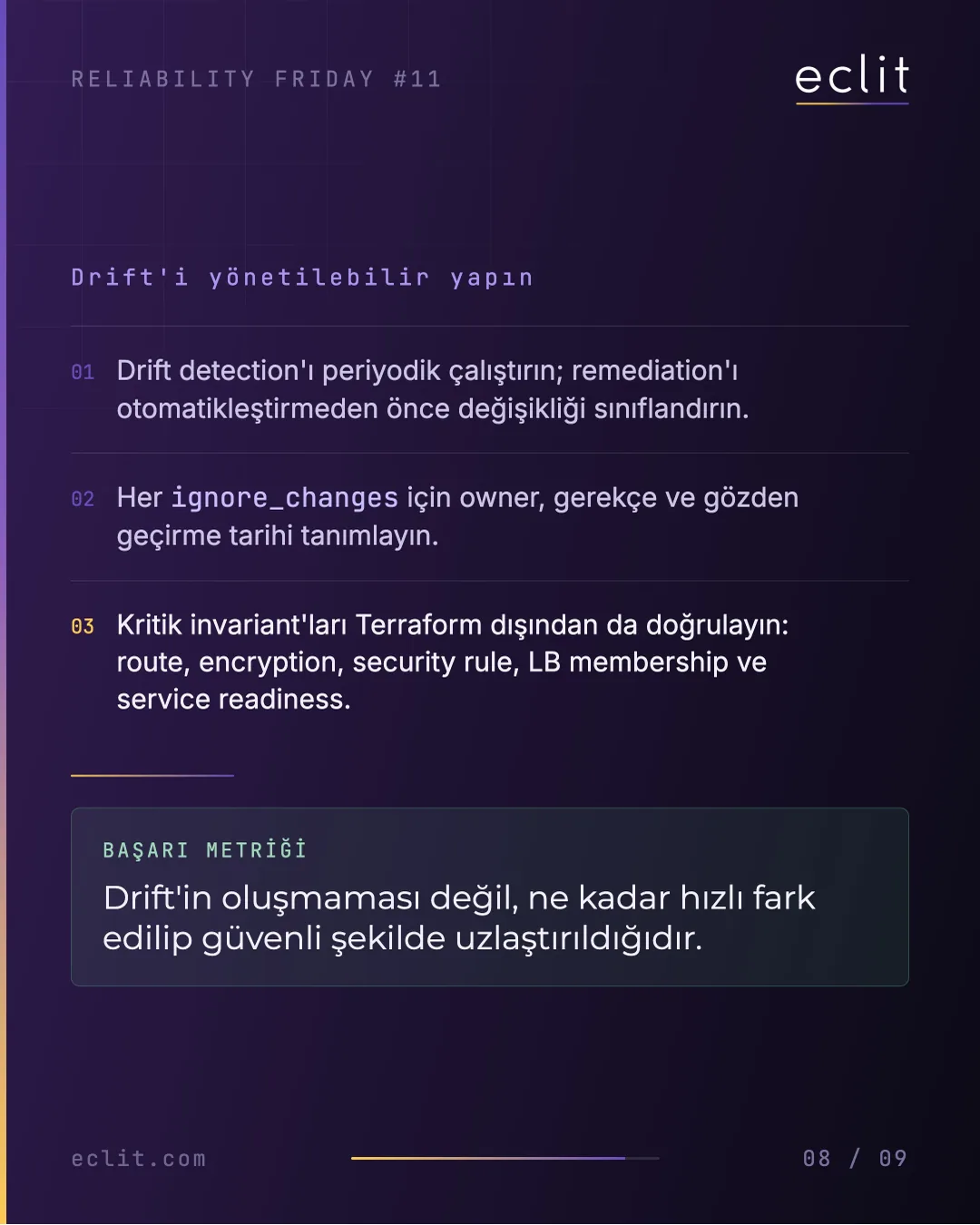
To make drift manageable:
- Run drift detection periodically; classify each change before automating remediation.
- Define an owner, a reason and a review date for every
ignore_changes. - Verify critical invariants outside Terraform as well: routes, encryption, security rules, LB membership and service readiness.
The success metric is not the absence of drift, but how quickly drift is noticed and safely reconciled.
Risk
Treating "No changes" as proof hides an invisible change until the next incident. The second risk is refreshing state by reflex when drift is found: a temporary intervention in production becomes the desired state, and nobody questions it at the next apply. The third risk is automatic remediation: automatically reverting an unclassified difference can also undo a change that was made deliberately during an incident.
Automate it
A weekly manual check is a starting point, not the destination. Run terraform plan -refresh-only -detailed-exitcode in a scheduled pipeline and alert when the exit code is 2; keep the ignore_changes list, with owners, as an inventory; add checks fed by the provider API, outside Terraform, for routes, encryption, security rules, LB membership and service readiness. Building that pipeline is within the scope of our DevOps and platform engineering and CI/CD services; the day-to-day operation of the infrastructure belongs to infrastructure management.
Eclit note
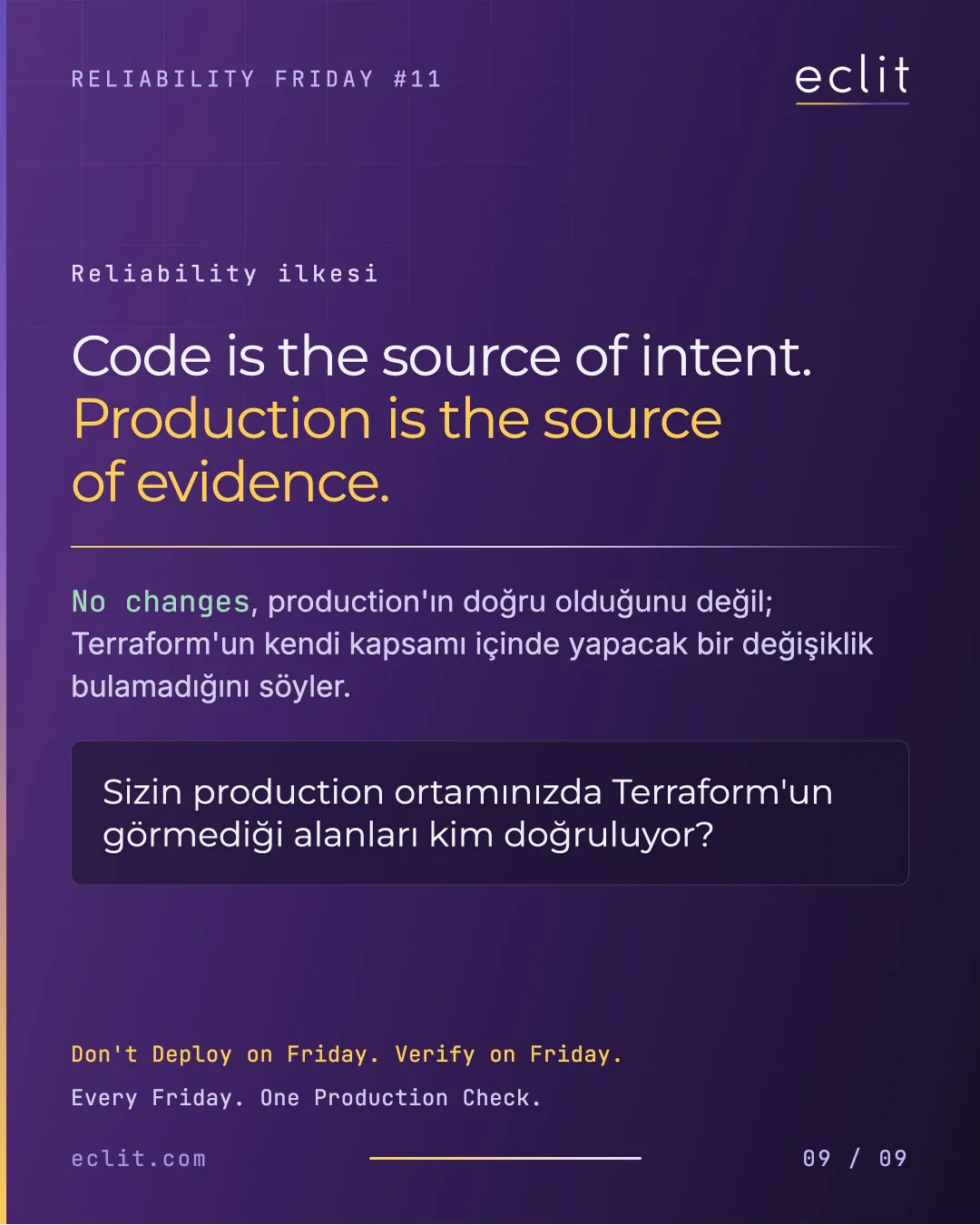
Code is the source of intent. Production is the source of evidence. "No changes" does not say production is correct; it says Terraform found nothing to change within its own scope. In your production environment, who verifies the areas Terraform cannot see?
In the previous episode we looked at why a firewall drops packets at 30% bandwidth; this week's check asks whether that firewall rule is really the rule in your configuration. For the fundamentals of infrastructure automation, see automating infrastructure with Terraform and Ansible.
Every Friday. One Production Check.