Backup & Data Protection Visibility
Backup and data protection visibility. Seeing what is backed up and what is not, restore testing, and measured compliance against recovery point objectives.
What we deliver
Which systems are backed up and which are left out. The ones left out are usually in places nobody has looked.
Periodic restore exercises with the measured duration and outcome reported. Without a report, backup is an assumption.
Achieved recovery point and recovery time compared against the targets, and the cause of any gap investigated.
Failed and partially completed backup jobs tracked until resolved. The job that fails silently is the dangerous one.
A write-protected or offline copy strategy built and verified against ransomware scenarios.
Coverage, success rate, test results and retention compliance reported to management on a regular cycle.
How it works
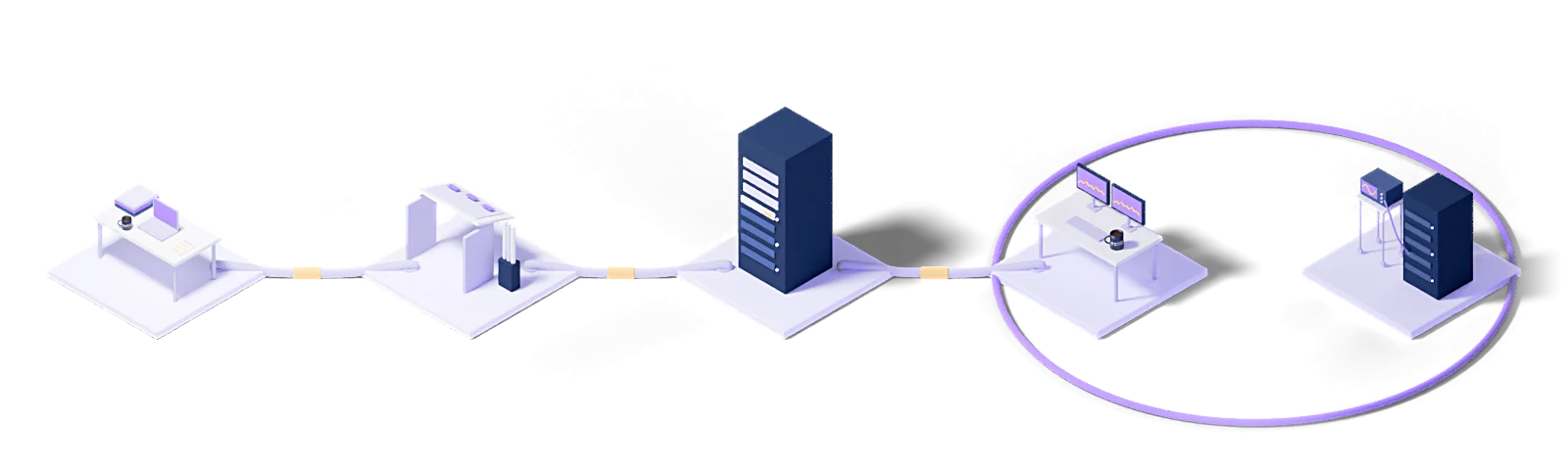
Every engagement follows the same five steps: baseline the current state, design the target model, roll out in stages, operate it, and improve against measurements.
Assess
Baseline the current state, name the gaps and put the success criteria in writing.
Design
Architect the target operating model and the toolchain it needs.
Deploy
Implement, configure and validate in a staged rollout.
Operate
24/7 management with contracted response times and proactive monitoring.
Improve
Continuous improvement driven by metrics, incidents and changes in the business.
Every engagement runs under a written SLA: a commitment, not a best-effort promise.
Dedicated engineers who know your stack. No generalist help-desk tier in between.
Service reviews every two weeks, roadmap updates every quarter.
Knowledge Hub
What we have written about running and managing technology, collected in one place.
Zerto vs Veeam: A Practical Comparison with Real Strengths and Weaknesses
5 min readHow to Calculate RPO and RTO Without Guessing
4 min readRansomware Recovery Playbook: Immutable Backups and Journal Rewind
4 min readWhat Is Backup? Backup Types and the 3-2-1 Rule
8 min readWhat Is Backup as a Service (BaaS)? How Cloud Backup Works
10 min read01Why do backups need separate monitoring?
Because the backup software saying 'successful' does not mean a restore will work. A visibility layer answers three separate questions: did the job run, is coverage complete, has a restore been tried.
02Can you find systems that fall outside coverage?
Yes, and it is the most valuable output. We compare the asset inventory against the backup inventory and list the systems with no backup at all. In most organizations that list contains unexpected names.
03What is in the report?
Job success rate, coverage percentage, the oldest successful backup date per system, retention policy compliance and the last recovery test result. Reports showing only a success rate are misleading.
04We have several backup products. Can we see them all?
Yes. Data from different products is combined into one report, closing the blind spots that come from looking at each product console separately.
05Can it be used in compliance audits?
Yes. Retention compliance, disposal records and recovery test history are among the evidence auditors ask for, and the report can be produced in that form.
Let's work out where to start
Within two weeks you get it in writing: what works, what carries risk, and a prioritized roadmap.
Request a conversation