Workplace & Device Management
Central device management, image deployment, software inventory, disk encryption and lost or stolen device handling.
What we deliver
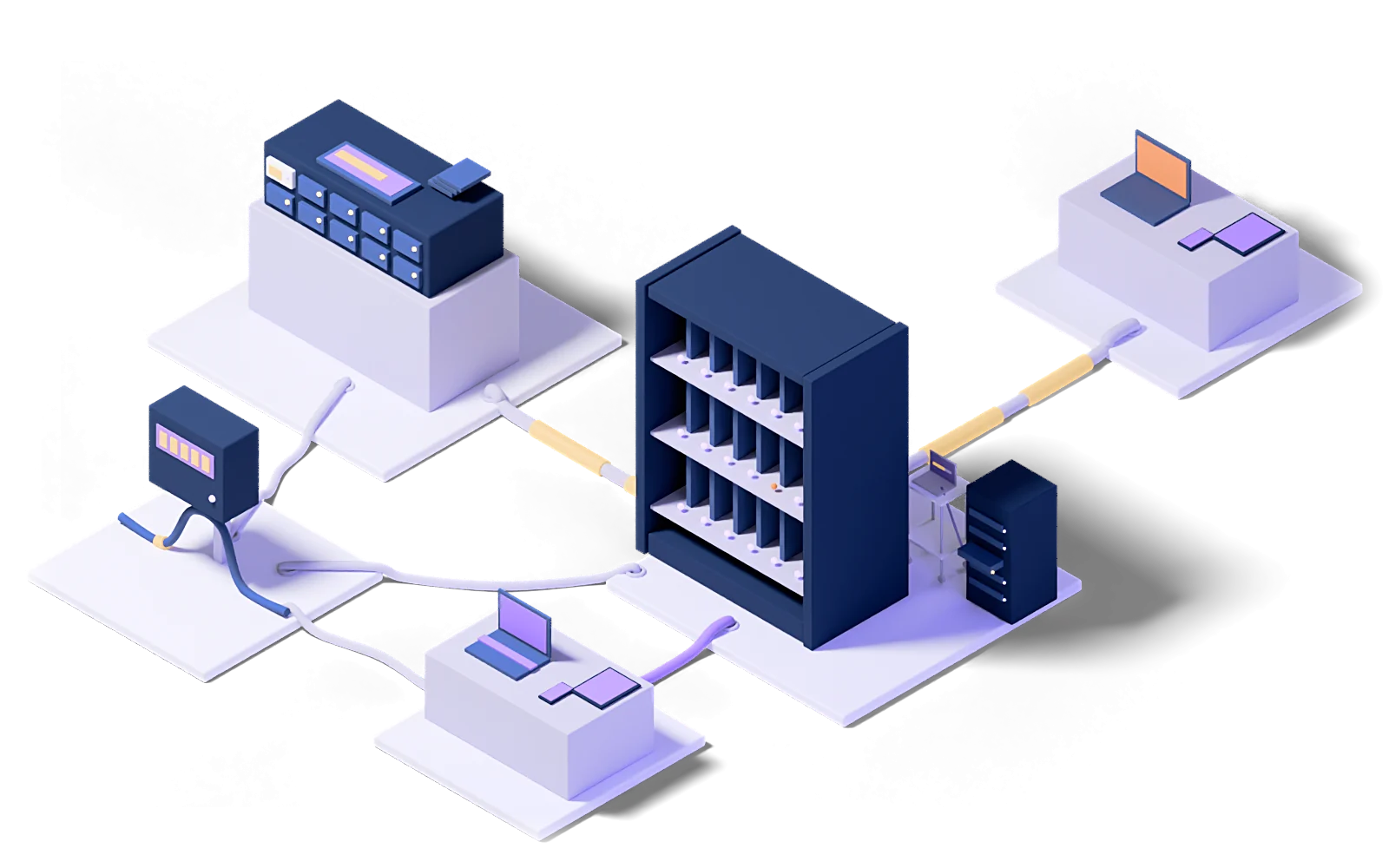
Laptops, desktops and mobile devices enrolled in a central management platform for policy distribution, compliance checking and inventory visibility.
Standard build images prepared so new devices are ready in minutes, with software distributed centrally rather than device by device.
Full disk encryption applied across the fleet with recovery keys stored securely. An encrypted lost device is a loss, not an incident.
We set up remote lock and wipe, define the notification flow and log every action taken.
Installed software inventoried, license compliance tracked, and unapproved software use made visible.
Controlled rollout of operating system and application patches across the fleet, with compliance rates reported.
How it works
Every engagement follows the same five steps: baseline the current state, design the target model, roll out in stages, operate it, and improve against measurements.
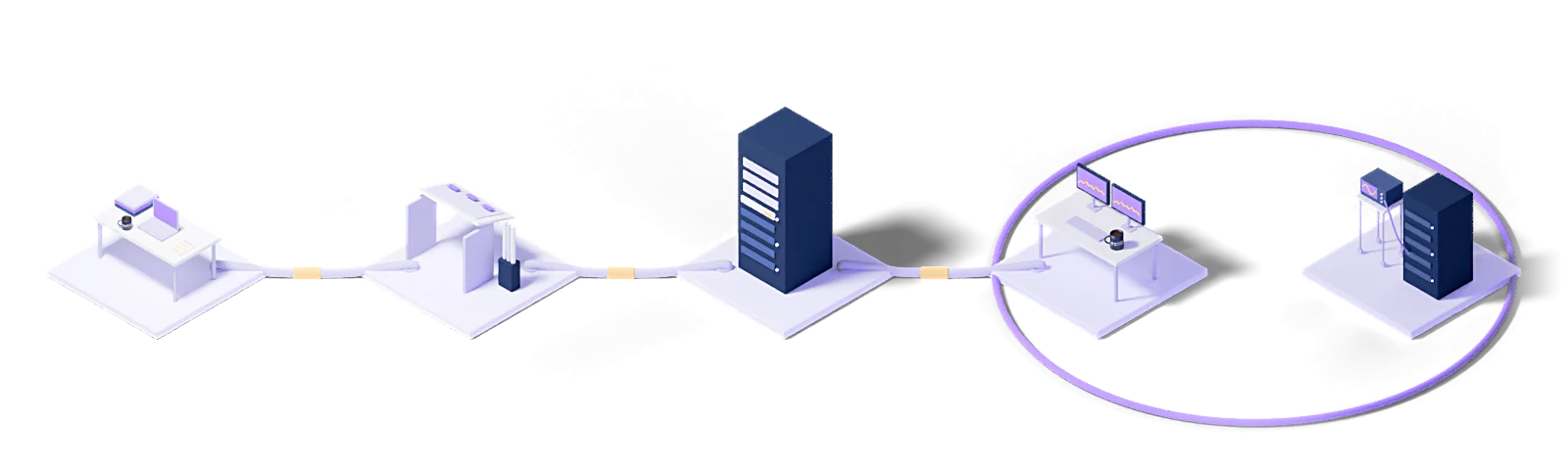
Assess
Baseline the current state, name the gaps and put the success criteria in writing.
Design
Architect the target operating model and the toolchain it needs.
Deploy
Implement, configure and validate in a staged rollout.
Operate
24/7 management with contracted response times and proactive monitoring.
Improve
Continuous improvement driven by metrics, incidents and changes in the business.
Every engagement runs under a written SLA: a commitment, not a best-effort promise.
Dedicated engineers who know your stack. No generalist help-desk tier in between.
Service reviews every two weeks, roadmap updates every quarter.
The concepts behind this service
- Managed terminal services
- Deployment, session management and performance monitoring of remote desktop and terminal server environments, run as a service.
This section explains the technical terms used on this page. The definitions come from Eclit's own technology glossary, and each term links through to its full entry there.
The full technology glossary →Knowledge Hub
What we have written about running and managing technology, collected in one place.
Ransomware Recovery Playbook: Immutable Backups and Journal Rewind
4 min readKVKK Cross-Border Data Transfer: What to Check When Using the Cloud
5 min readDoes Türkiye's Cybersecurity Law Apply to You? The 15 Critical Infrastructure Sectors
5 min readWhat Is Endpoint Security? Antivirus, EDR and XDR
7 min read01How many devices do we need before central management makes sense?
The turning point usually arrives around fifty devices: at that scale, running deployment, patching and lost-device scenarios by hand starts to become one person's full-time job. Smaller organizations sometimes adopt it on security grounds alone.
02How quickly is a new employee's laptop ready?
With zero-touch provisioning, the device configures itself once it is unboxed and connected to the network, and setup time drops to hours. The precondition is a defined standard device profile and application catalog.
03What can we do if a device is lost?
Remote lock, location lookup and, where needed, a wipe of corporate data. On personal devices only the corporate partition is wiped; the user's own data is untouched.
04What do you recommend for employees who bring their own device?
A profile that separates corporate data from the rest of the device. Encryption and wipe then apply only to that area: the organization is protected and the employee's personal data stays off-limits. The separation needs a written policy behind it.
05Can you produce a software inventory?
Yes: which application, at which version, on which device. That inventory does two jobs: license compliance, and listing affected devices within minutes when a vulnerability is published.
Let's work out where to start
Within two weeks you get it in writing: what works, what carries risk, and a prioritized roadmap.
Request a conversation